Frequency hopping
Other mesh sits on one frequency. This cluster does not. Watch on YouTube
Same radio · different firmware
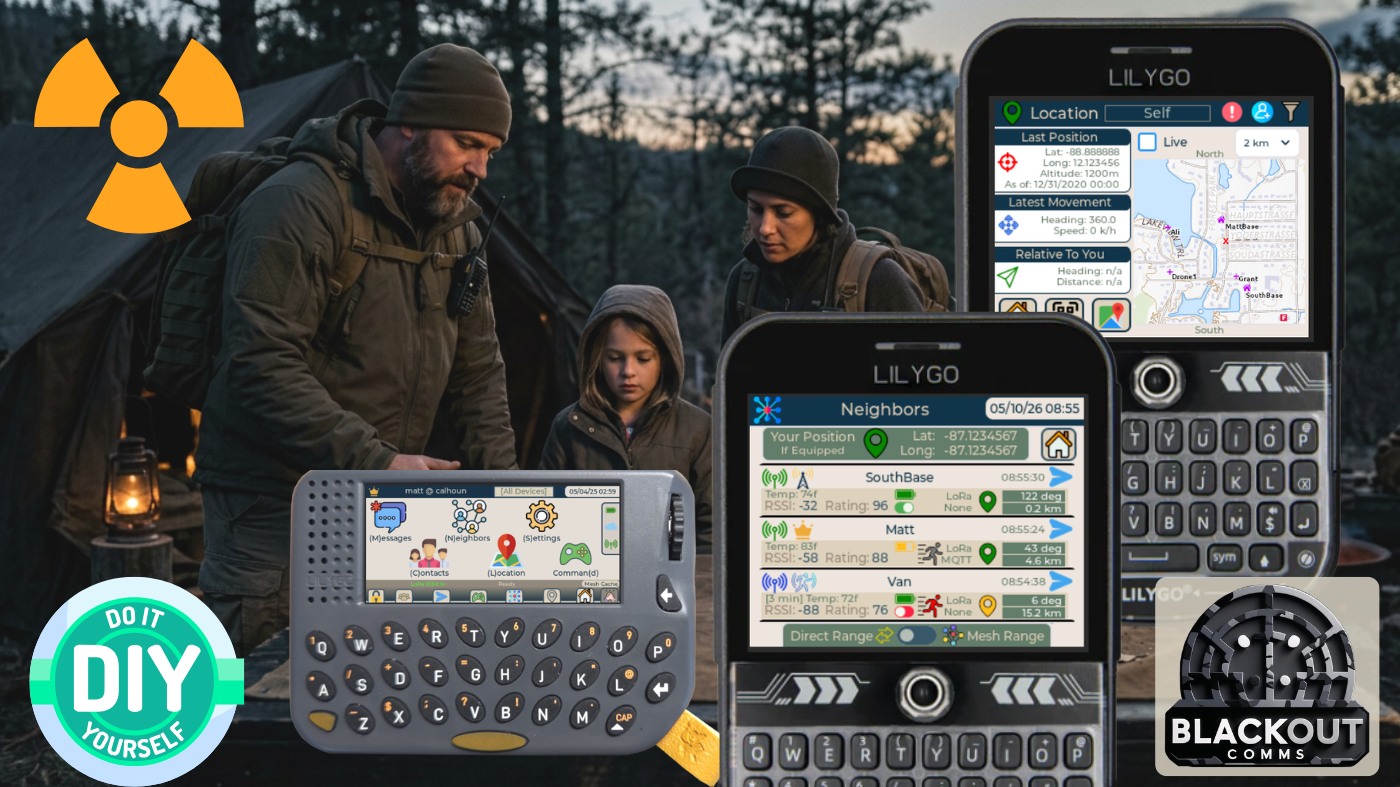
Flash Blackout Comms on the LilyGO T-Deck, T-Deck Plus, LilyGO Pager, or Heltec board you already own. Private cluster. Mesh memory. Keys stay on the radio.
Not affiliated with Meshtastic, MeshCore, or LilyGO. Flashing replaces the firmware on that device. You can flash back later.
A different job
Meshtastic and MeshCore are built for an open local mesh. Blackout Comms is built for a known group that onboards in person and keeps working when a radio is off.

| Blackout Comms | A public mesh | |
|---|---|---|
| Who can join | Only radios a root device onboarded in person. | Anyone with the channel or region settings. |
| Frequency Hopping | Unpredicable frequency hopping (64 channels) and packet striping for max security and anti-jam. | Sits on a single easily-monitored (or jammed) channel. |
| Keys | Generated on the hardware. Companion apps never receive them. | Often a shared channel secret, or keys handled on the phone. |
| Messages | Direct messages are signed and encrypted so a relay cannot read them. Held up to 24 hours. | Mostly live relay. A node that is off is easy to miss. |
| Memory | Last position, heading, speed, and battery stay in the cluster after a device powers off. | State usually disappears when the node goes dark. |
| Phone | Optional. The handheld works on its own. | Often the main screen. |
| Stealth Modes | Reduce or zero out RF footprint on a comms schedule or instantly, while still sending/receiving emergency traffic if desired. | No such concept (except turn your radio off). |
| Setup | Name your cluster, name each device as it's onboarded. That's it. Root (admin) auto-configures your mesh network for you. | Every device needs frequencies and keys manually entered. Other settings need to be coordinated and entered by each user. |
Hopping makes casual interception harder. It is not a promise against a determined jammer. Use the USA or non-USA build on every device in the cluster, and follow the radio rules where you are.
See it on the radio you already have
Live and Overlook talk to a Blackout Comms radio. They do not attach to a Meshtastic or MeshCore node. Keys stay on the hardware either way.
Other mesh sits on one frequency. This cluster does not. Watch on YouTube
The Android map, messages, and traffic view. It only pairs with this firmware. App guide
A desk or wall view of the same cluster, including a Pi with no network after the tiles cache. Overlook page
15 minutes
Matt’s walkthrough: flash, name the cluster, onboard the next radio, send a message. No soldering on the starter boards.
About 15 minutes
USA build if you are in the United States. Non-USA build everywhere else. Do not mix them in one cluster. Current release is 3.7.8.
Communicator firmware for a T-Deck, Pager, or Heltec touchscreen. Link firmware if the board is only a relay. The browser flasher is on the firmware host.
Name the cluster on the first communicator, then onboard the second radio while it is in range. Two devices are enough to send a signed message.