
Downloads

Get into the firmware, then the view.

Firmware is required. Live and Overlook are free companions for a cluster you already have. Downloading firmware means agreeing to the terms on that page, including local radio law.

Required

Firmware 3.7.8

Hosted at offgridcomms.club. Choose communicator firmware for handhelds and link firmware for relays. Pick USA or non-USA and stay with that choice for the whole cluster. Link firmware is currently free to download; it is still a licensed product of Altware Development LLC.

The browser flasher wants the board in boot mode. Pre-built binaries are linked from those pages if you already have your own flash tool.

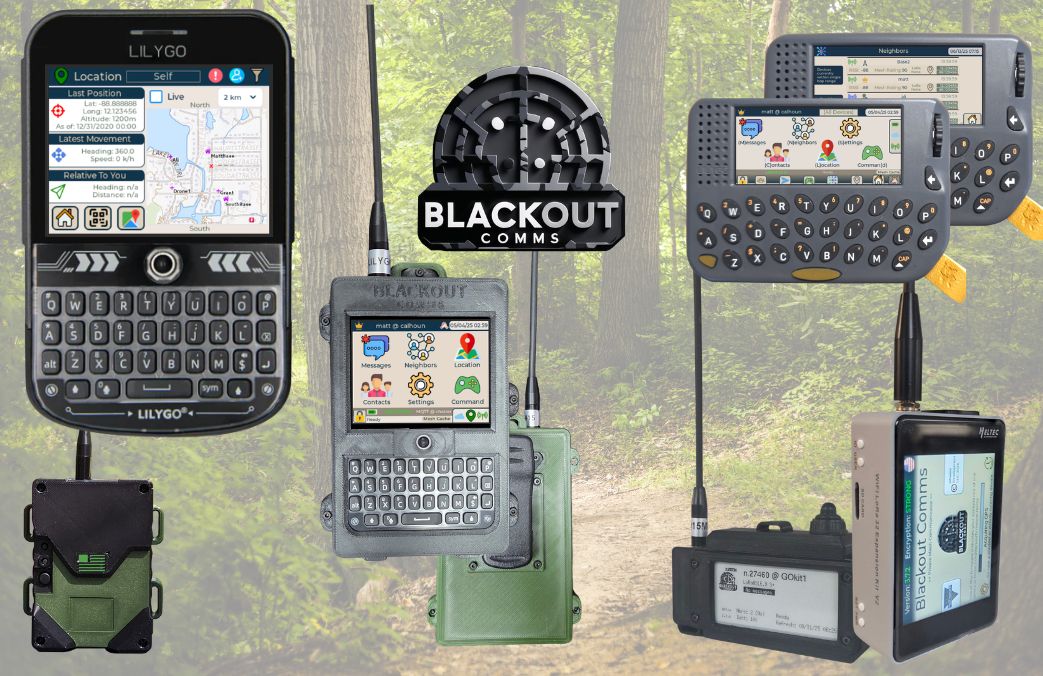
Handheld radio on a map, used here as an illustration of a communicator.

Optional companion

Blackout Comms Live for Android

Pairs over Bluetooth to one radio and shows the cluster: live and last-known positions, mesh links, traffic, and messages. Send a direct message or a broadcast from the phone. The radio still encrypts, hops, and routes. Keys never leave the hardware. While connected, locations and messages are visible in the app, so the phone OS can see that view.
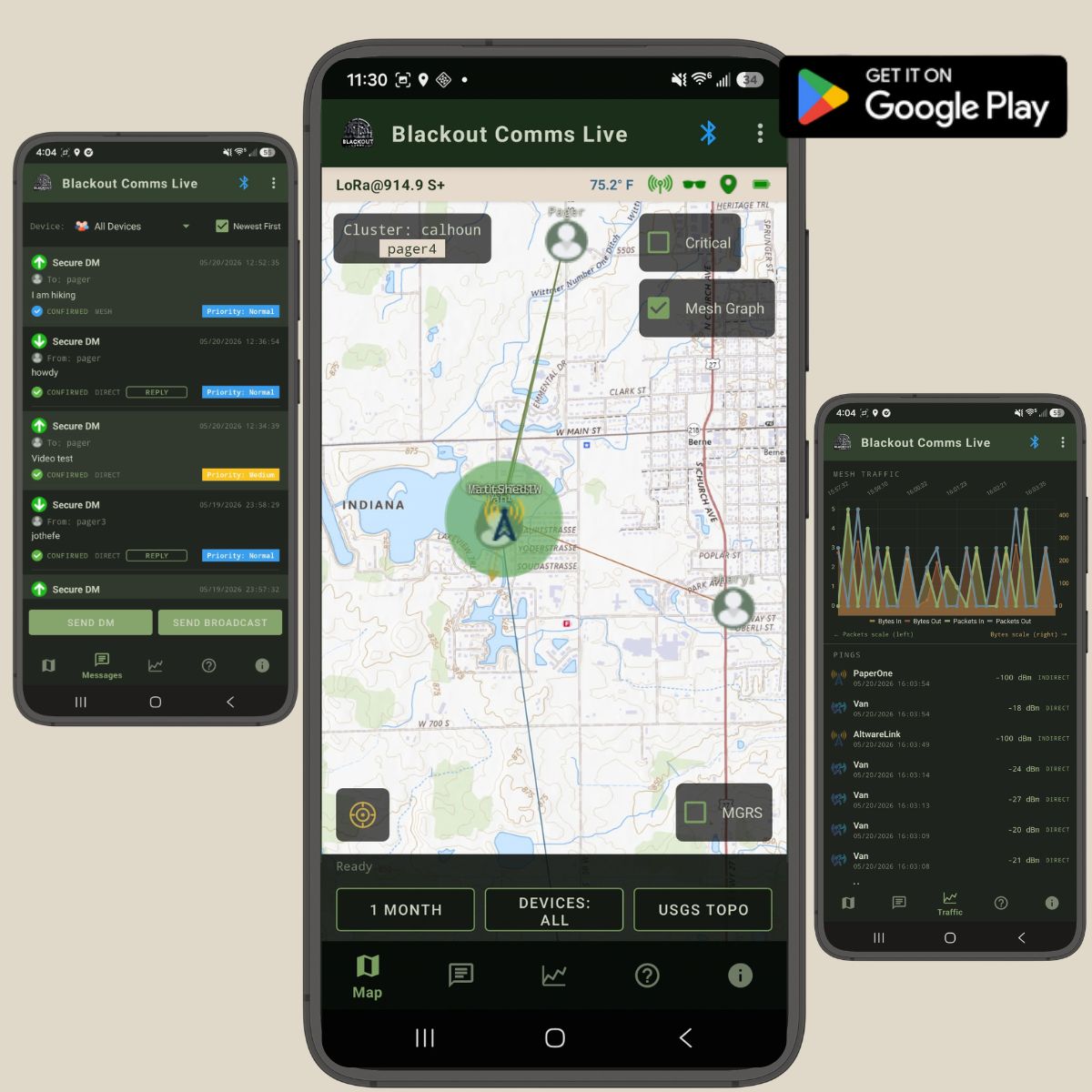
Blackout Comms Live for Android.
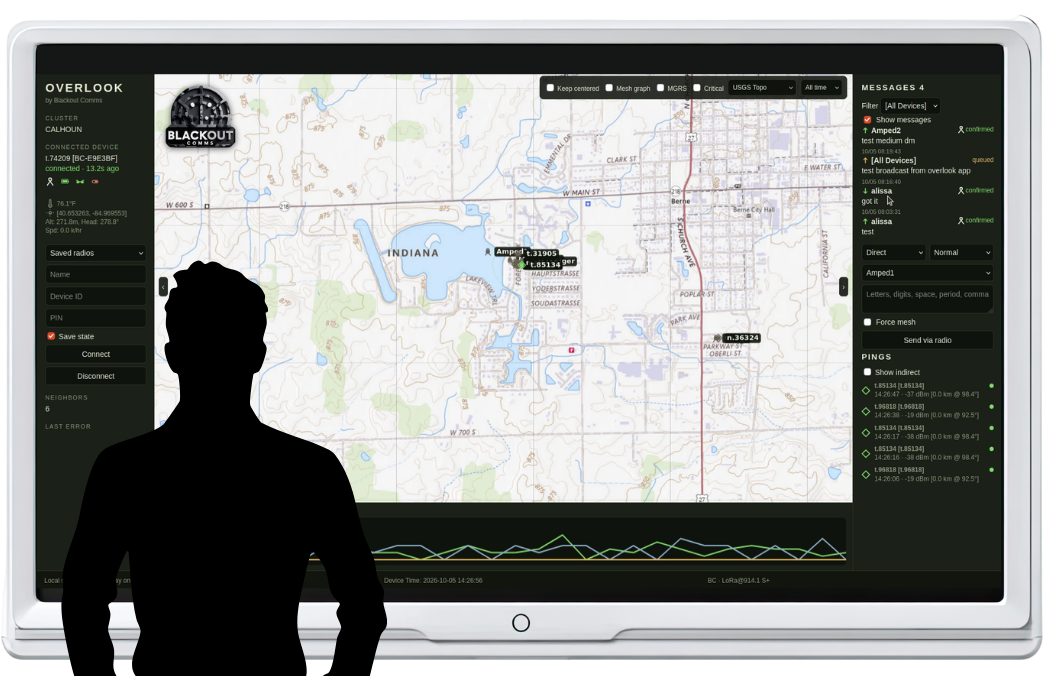
A cabin monitor showing an abstract mesh of amber points, with a small radio beside it.

Optional companion

Overlook

A free desktop view of the same cluster. It connects to one radio over Bluetooth and can sit on a monitor in a cabin, shop, or staging area. Map tiles stay after the first download, so the screen keeps working with no Wi-Fi. Windows ships as a zip. Linux, including a Raspberry Pi 5, runs from source.

Windows needs WebView2 and a Bluetooth adapter. Keep Overlook.exe with its _internal folder. Overlook is not a radio and does not join the mesh by itself.

Read next

The long version lives next door.